AI video summaries for iPhone
Long videos, to the point.
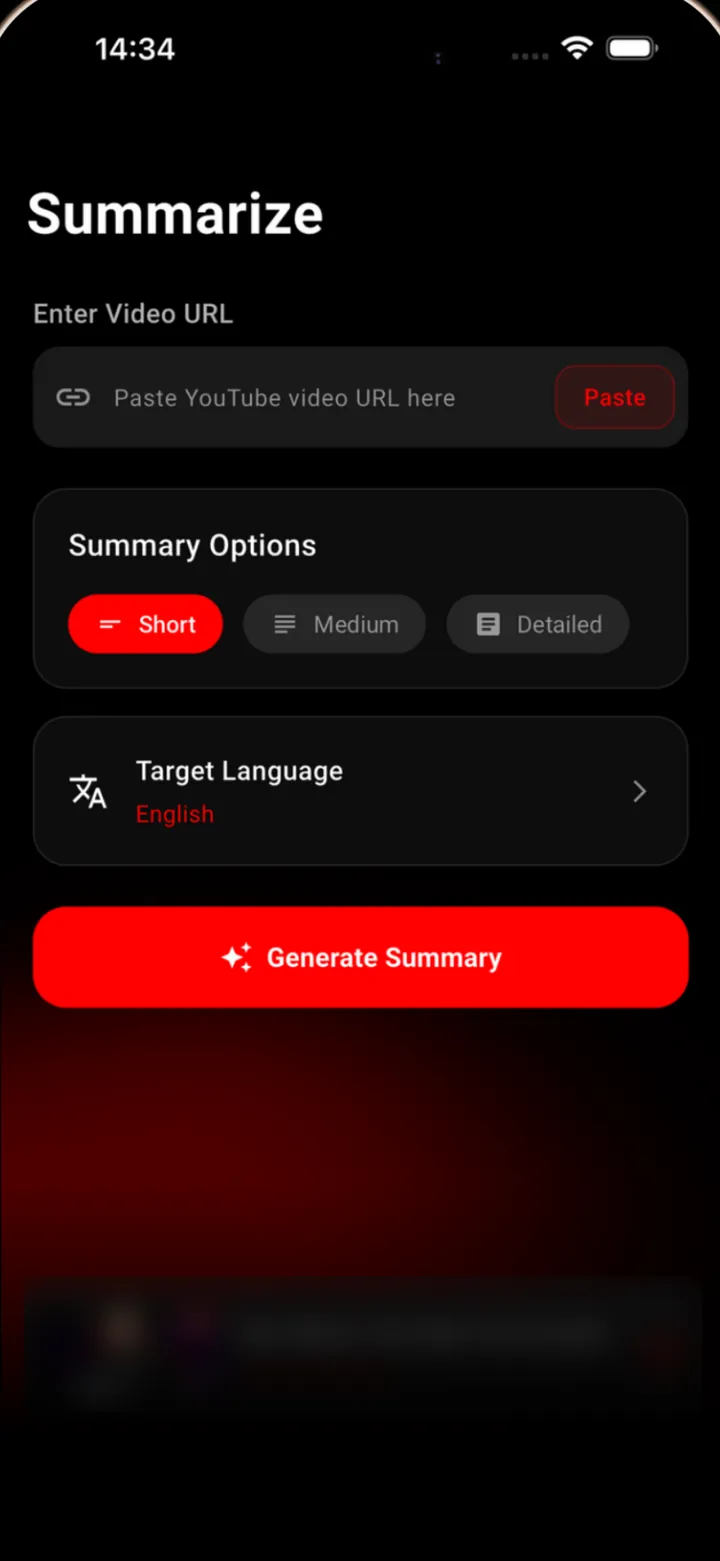
Paste a YouTube link. SumTube reads the video's captions and writes a summary: a quick overview, the key points, or a detailed breakdown, in the language you choose.

Features
Summary length
Short, medium or detailed.
Short gives you an overview. Medium adds the key points in the order they come up and the main takeaways. Detailed also covers the main topic, who the video is for, and recommendations for where to go next.
- Overview
- Key points
- Main takeaways
- Main topic
- Target audience
- Recommendations
History
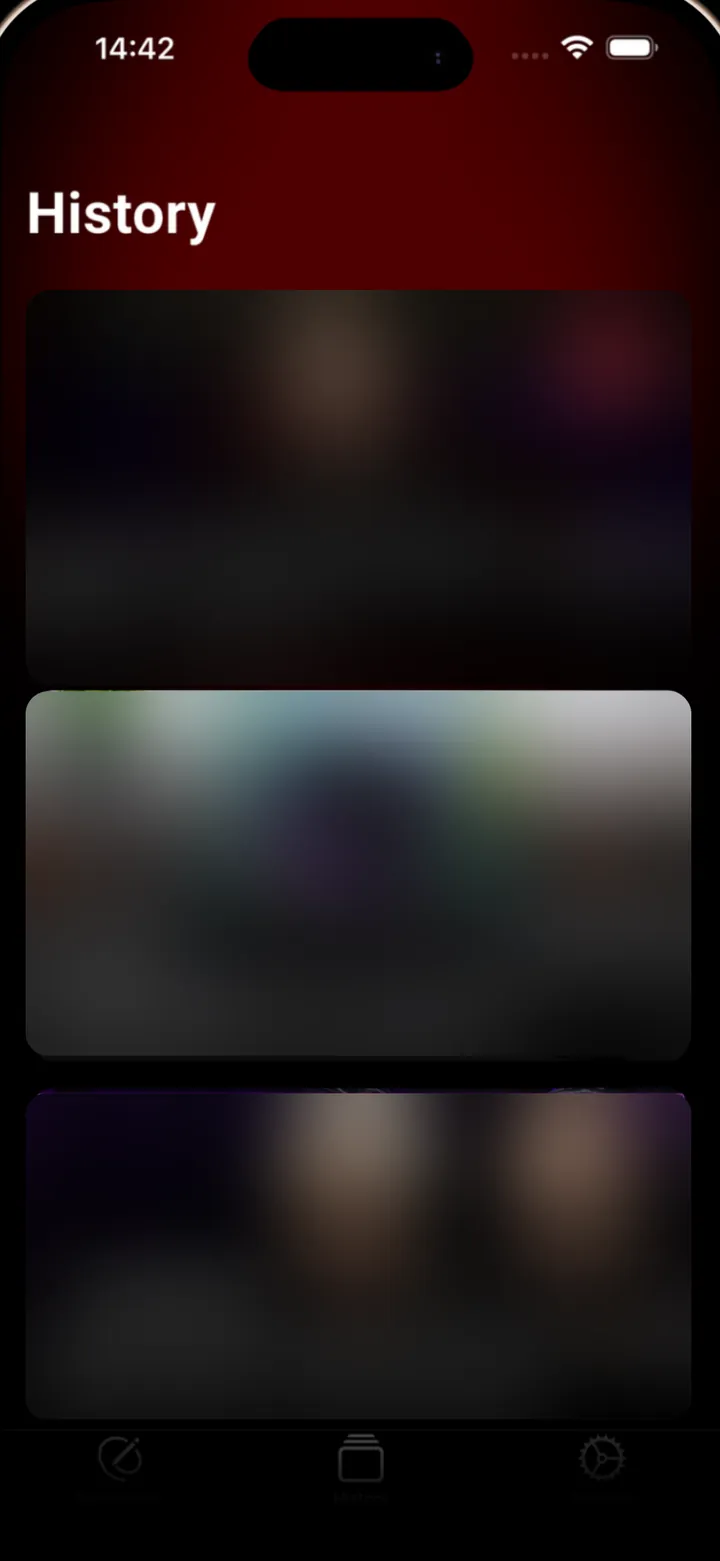
Every summary, kept for later.
Each summary is saved to History with the video's title, channel and thumbnail. Tap one to read it again.
Languages
Read it in your language.
Choose the language the summary is written in, whatever language the video is in. The app's menus are in English.
- English
- Türkçe
- Español
- Français
- Deutsch
- Italiano
- 日本語
- 한국어
- 中文
How it works
How it works, in three steps.
-
Copy a link
Copy the link of a YouTube video or Short. Watch, youtu.be and Shorts links all work.
-
Paste and choose
Paste it into SumTube, then pick the summary length and the language to write it in.
-
Read the summary
SumTube reads the video's captions and writes the summary. It is saved to your history.
Good to know
Worth knowing before you paste.
-
Works from captions
Summaries are written from the video's captions, including auto-generated ones. Videos without captions can't be summarized.
-
Shorts and short links
Paste a regular watch link, a youtu.be link or a Shorts link.
-
No sign-up
There is no account to create. The app uses an anonymous ID, so no name, email or password is needed.
-
No ads, no tracking
No advertising, no analytics SDK, and no tracking across other companies' apps or websites.
-
Some videos can't be read
Private, members-only, paid and age-restricted videos, live streams and upcoming premieres can't be summarized.
-
Written by AI
Summaries are generated by Google Gemini and may contain errors. Check anything important against the video.
Pricing
Free to try. Premium for more.
SumTube is free to download and your first summary is free. Premium, an auto-renewing subscription inside the app, removes the limit.
- Free: 1 video summary.
- Premium: unlimited video summaries.
- Plans and prices are shown in the app before you subscribe and are billed by Apple.
- Cancel any time in Settings > your name > Subscriptions.
How do I summarize a video?
Open SumTube, start a new summary, paste a YouTube link (watch, youtu.be or Shorts links work), choose the language and summary length, and start. The app reads the video's captions and writes the summary.
Why can't a video be summarized?
SumTube works from a video's captions. It cannot summarize videos without captions, private, members-only, paid or age-restricted videos, or live streams and upcoming premieres. If YouTube is limiting requests, or the summary service is busy, wait a few minutes and try again.
Which languages are supported?
Summaries can be written in English, Turkish, Spanish, French, German, Italian, Japanese, Korean and Chinese, whatever the language of the video. The app's menus are in English.
How many summaries are free?
Free users can create 1 summary. Premium gives unlimited summaries.
How do I manage or cancel my subscription?
Subscriptions are handled by Apple. On your iPhone open Settings, tap your name, then Subscriptions, and choose SumTube. Deleting the app does not cancel a subscription. Refunds are handled by Apple at https://reportaproblem.apple.com
How do I delete my data?
Email apps@meliharik.dev (best from Settings > Send Email in the app, which adds your anonymous user ID) and ask us to delete your data. We will remove your summaries and app record. The privacy policy has the details.

Get SumTube for iPhone.
Paste a YouTube link and read the summary. Your first one is free.